Screen Time App





Explore our Features
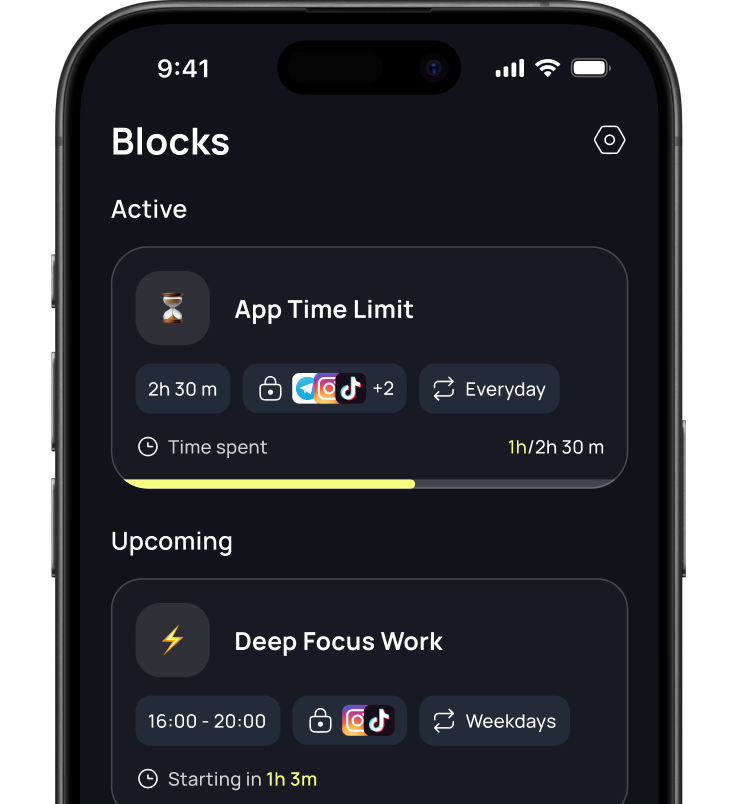
Reclaim your day: set time limits, block out apps, and schedule phone-free activities.
Make your phone your ally, not an enemy. Decide how much time each app deserves.
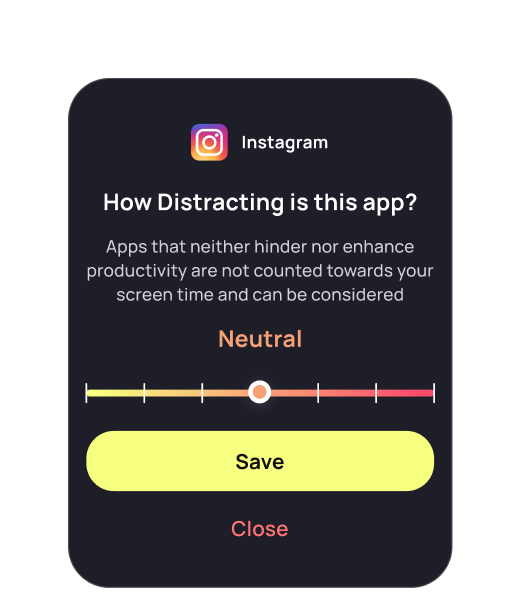
Give Your Apps Feedback
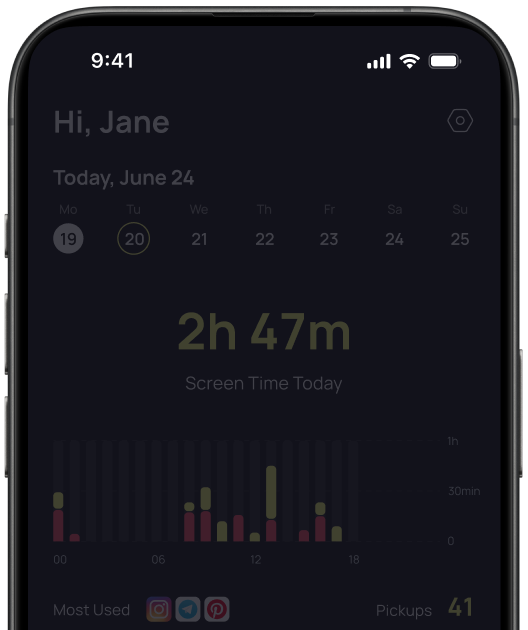
It's time to get real with your apps. Review them based on how distracting they are and receive suggestions for reducing screen time
Challenges
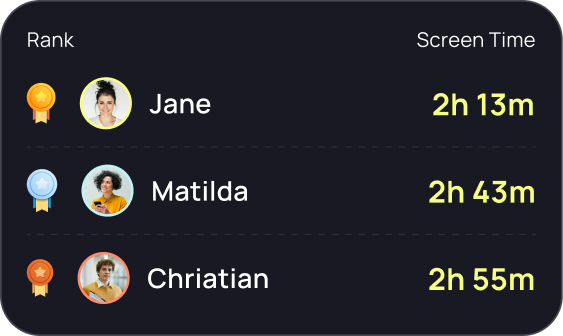
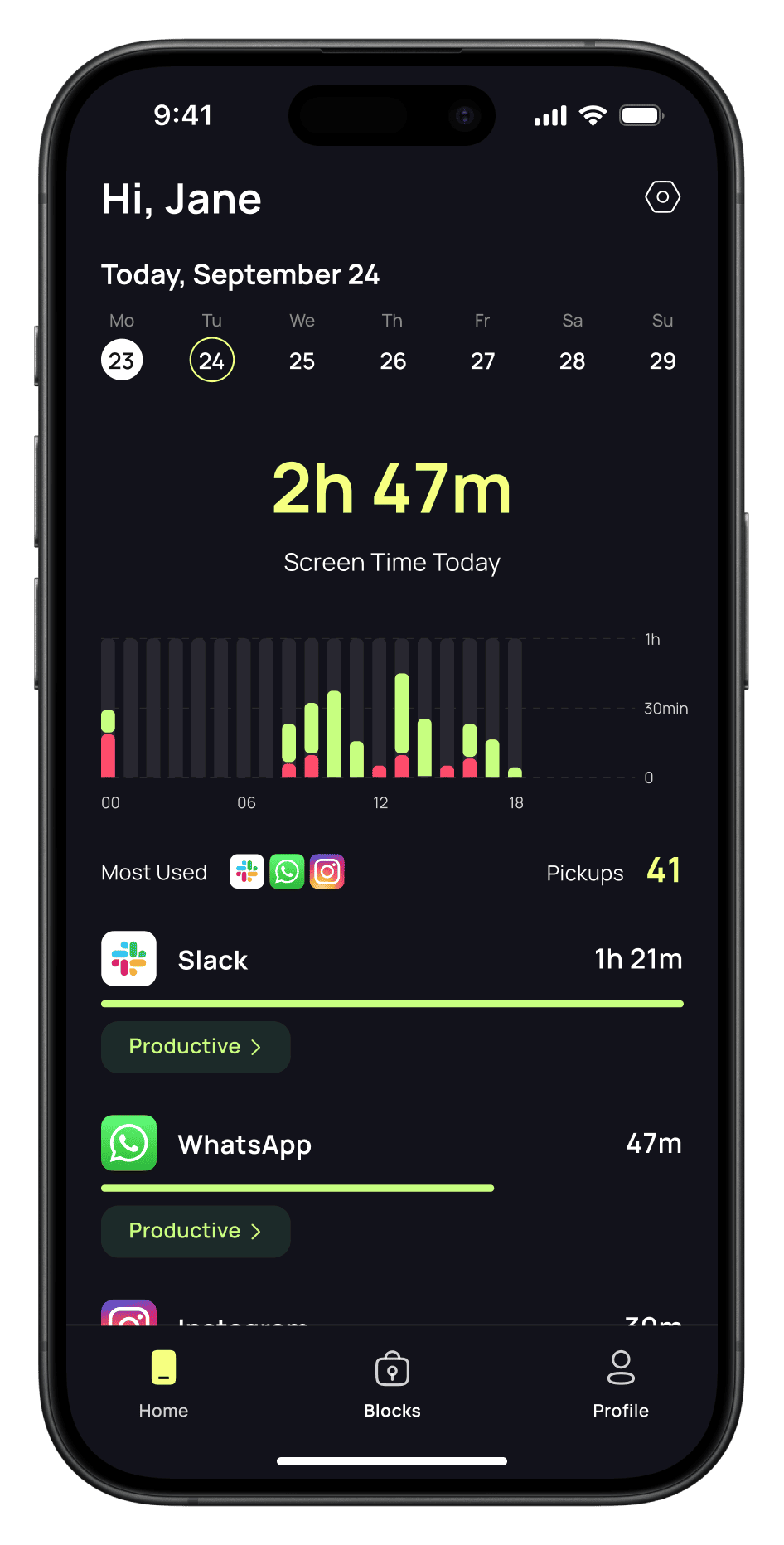
Track your screen time
Gain awareness of
how you spend your time online
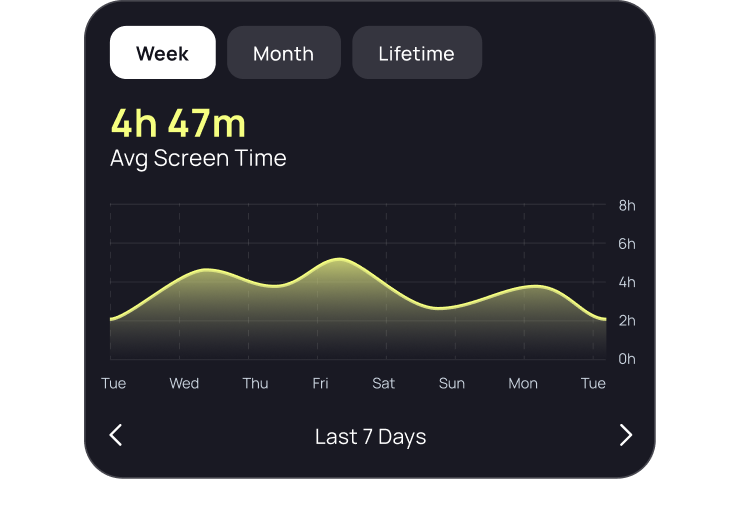


Track Your Screen Time
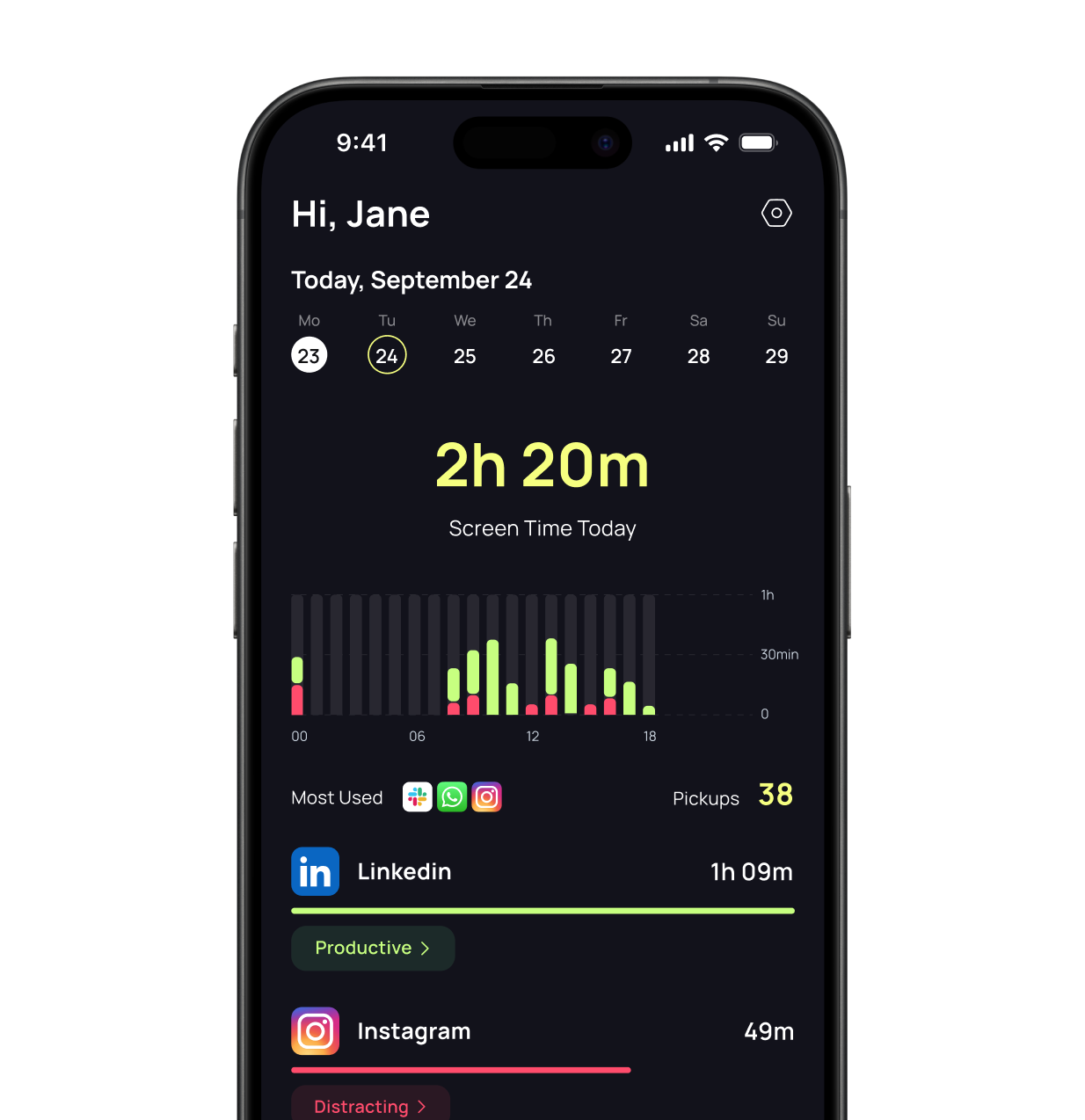
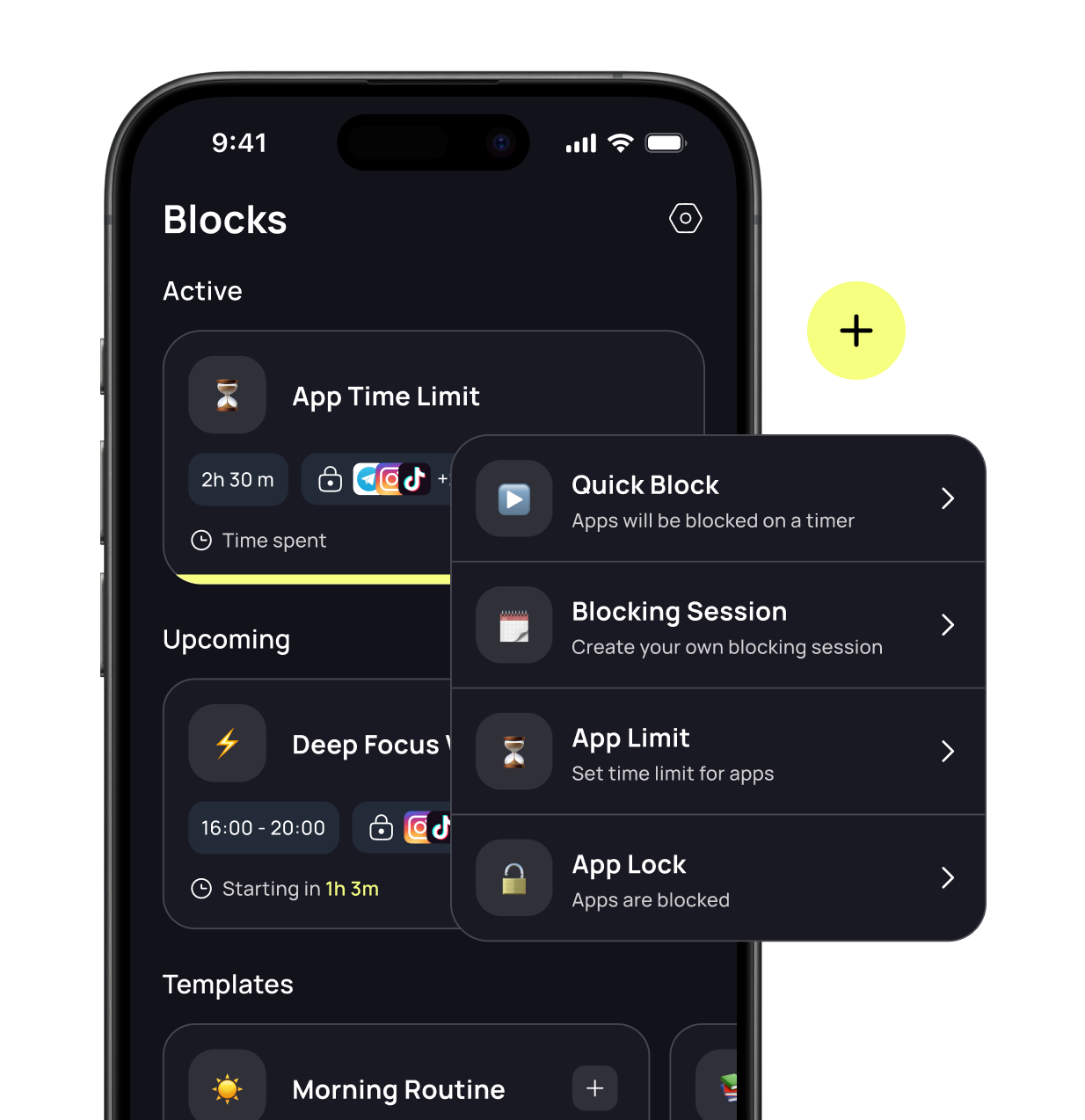
Block Out
Distracting Apps
 Quick Block
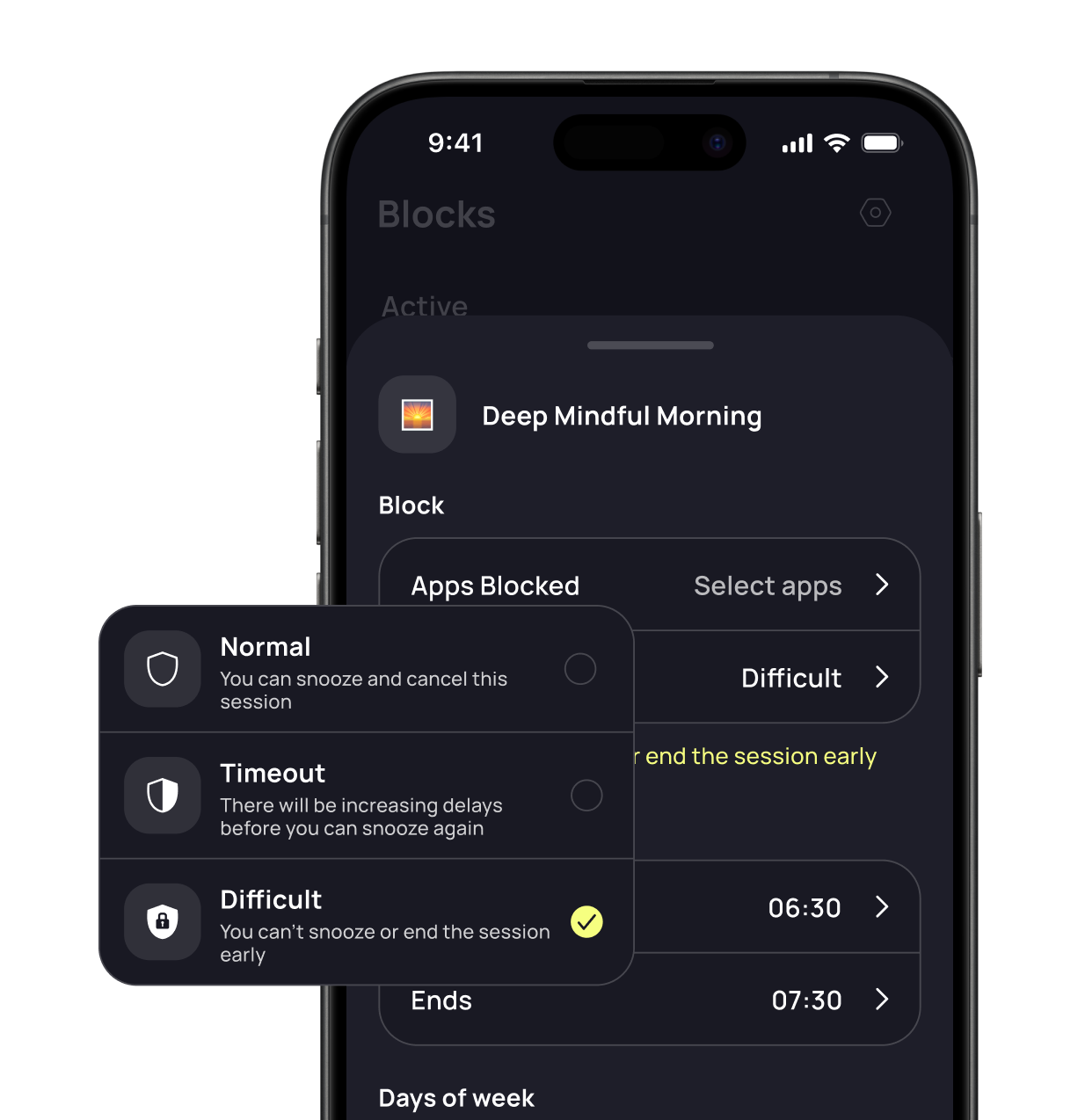
 Blocking Sessions
 App Locks
 App Limits
Open Apps With Purpose
Questions about LimitUp
What does LimitUp help me do?
LimitUp helps you understand your screen time and put boundaries around distracting apps. Review your activity, set app limits, and choose when to take time away from your phone.
How can I block distracting apps?
Use Quick Block when you need focused time, or plan ahead with blocking sessions. App limits help you decide how much time to spend in each app, while app locks add difficulty to opening distractions.
Can I use LimitUp on my iPhone?
Yes. Download LimitUp from the App Store. Check the listing’s Compatibility section for the current device and iOS requirements.
Where can I check pricing and subscription options?
See the LimitUp App Store listing and the subscription options shown in the app for current pricing. Review the price, trial terms, and renewal details before confirming a subscription.